Hi, how we can help?
How to Delete Address
To delete an existing address from the user address book, users must first access the address book (for guidance on how to access it, refer to “What is Address Book“). After entering the address book, follow the steps below:
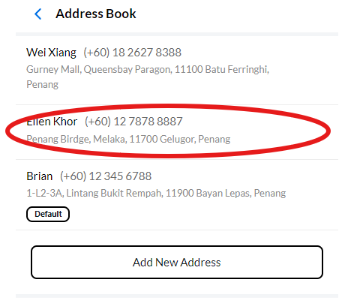
Step 1: Click on the address you want to delete from the list.
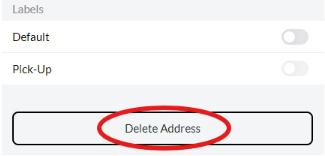
Step 2: After accessing the address, you will see the detailed information. Scroll down to the bottom, where you will find the “Delete Address” button. Click on it to proceed.