Hi, how we can help?
How to Cancel Refund
Users must have previously made a refund request to cancel it. Follow the steps below:
Note That:
– You can only cancel a refund request twice. Once both chances are used, you will not be able to cancel any subsequent refund requests.
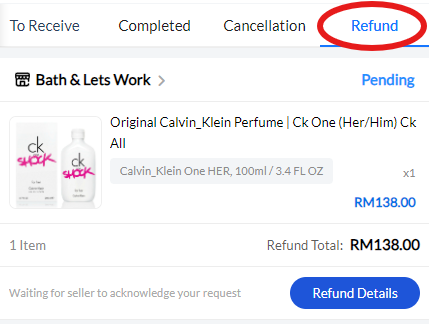
Step 1: Go to the order status “Refund” section (for instructions on accessing order status, refer to “How To Track Order Status“) and press on the refund request for the order you want to cancel.
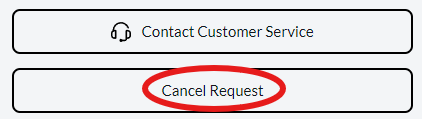
Step 2: After pressing the refund request, you will enter the refund order details. Scroll to the bottom of the page and click “Cancel Request,” then press “OK” to confirm the cancellation.