Hi, how we can help?
How to Add Address
Since addresses are essential for non-virtual products during checkout, the process cannot continue without one. There are two ways to add an address. Follow the steps below:
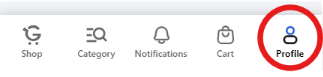
Step 1: For the first method, users can navigate to the profile page from the bottom bar. (If you receive a warning to log in, please create an account first to proceed.)
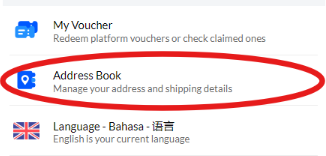
Step 2: After entering the profile page, access the address book.
Step 3: Press the “Add New Address” buttons

Step 4: Fill in all the required address fields, then click the “Save” button on the top bar to add the address to the address book.

Note That:
– By selecting an address as “Default,” the system will automatically choose it as the primary address.
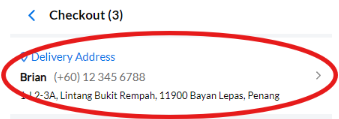
– Users can also access the address book and add a new address during checkout by clicking the top address option.