Hi, how we can help?
How To Claim Voucher
To claim a voucher, users need to access the Voucher Center to claim and check their available vouchers. (Where To Access ? Refer What Is Voucher Center)
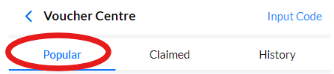
Step 1: After entering the Voucher Center, unclaimed vouchers will be displayed in the Popular section.
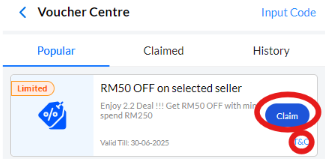
Step 2: To claim a voucher, press the “Claim” button. Users can also check the voucher’s requirements and terms by pressing the “T&C” option. Note: Once claimed, the voucher will be moved to the “Claimed” section
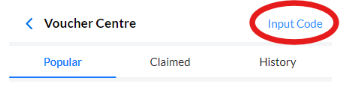
Step 3: Another way to claim a voucher is by manually entering the voucher code. On the Voucher Center page, press the “Input Code” option, enter the code, and claim the voucher.